
Roblox · Battlegrounds & Fighting · 100 players per server
Pixel Z Roblox Guide
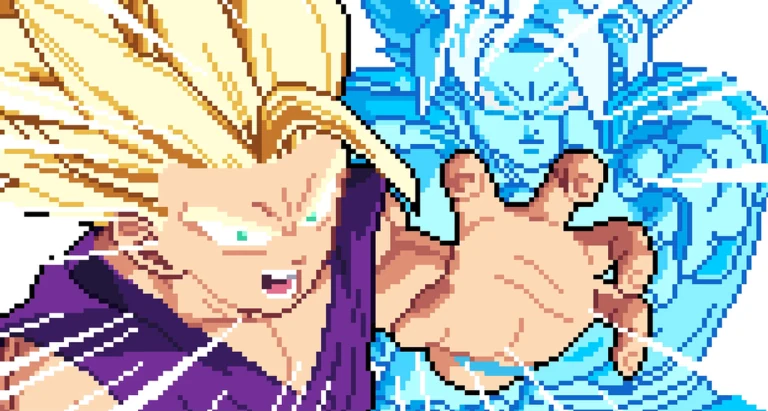
Pick your fighter and battle in fast, pixel-art 2D combat: chain combos, charge ki, transform mid-fight and finish with a cinematic Ultimate.
Frozen snapshot
- Playing
- 7,050
- Visits
- 2,974,067
- Favourites
- 52,361
- Like ratio
- 91.4%21,232 up / 1,992 down
- Server limit
- 100
- Creator
- That One Fighting Game
- Experience created
- 4 November 2026
- Latest listing update
- 19 November 2026
Frozen snapshot · Roblox Games + Votes checked 19 November 2026 · Roblox
Three tasks
The loop in five steps
- Built-in tutorial. New players can finish the built-in tutorial the developer says teaches everything it covers.
- Pick a fighter. Choose a fighter from the roster and learn the published keyboard block before you chase ranked wins.
- CPU matches. Fight the CPU to learn combos, guard and special inputs without queue pressure.
- Online ELO. When basics feel solid, climb ELO ranks online and chase placement on the global boards.
- Booster packs and leaderboards. Open booster packs to find new fighters, and read global ELO and Wins leaderboards for where you stand.
Where to go next
- Game passes — official prices and empty shop text
- Controls — twelve published keys and special inputs
- Codes — 15KOMG and how to spot the next string
- Start here — tutorial, CPU first, booster route
- Combat — ki, transform and Ultimate order
- Ranked — ELO, leaderboards and server size
- Updates — dated experience and pass records
Official destinations
- Play Pixel Z on Roblox — official game page and live description.
- That One Fighting Game — creator group linked from the listing.